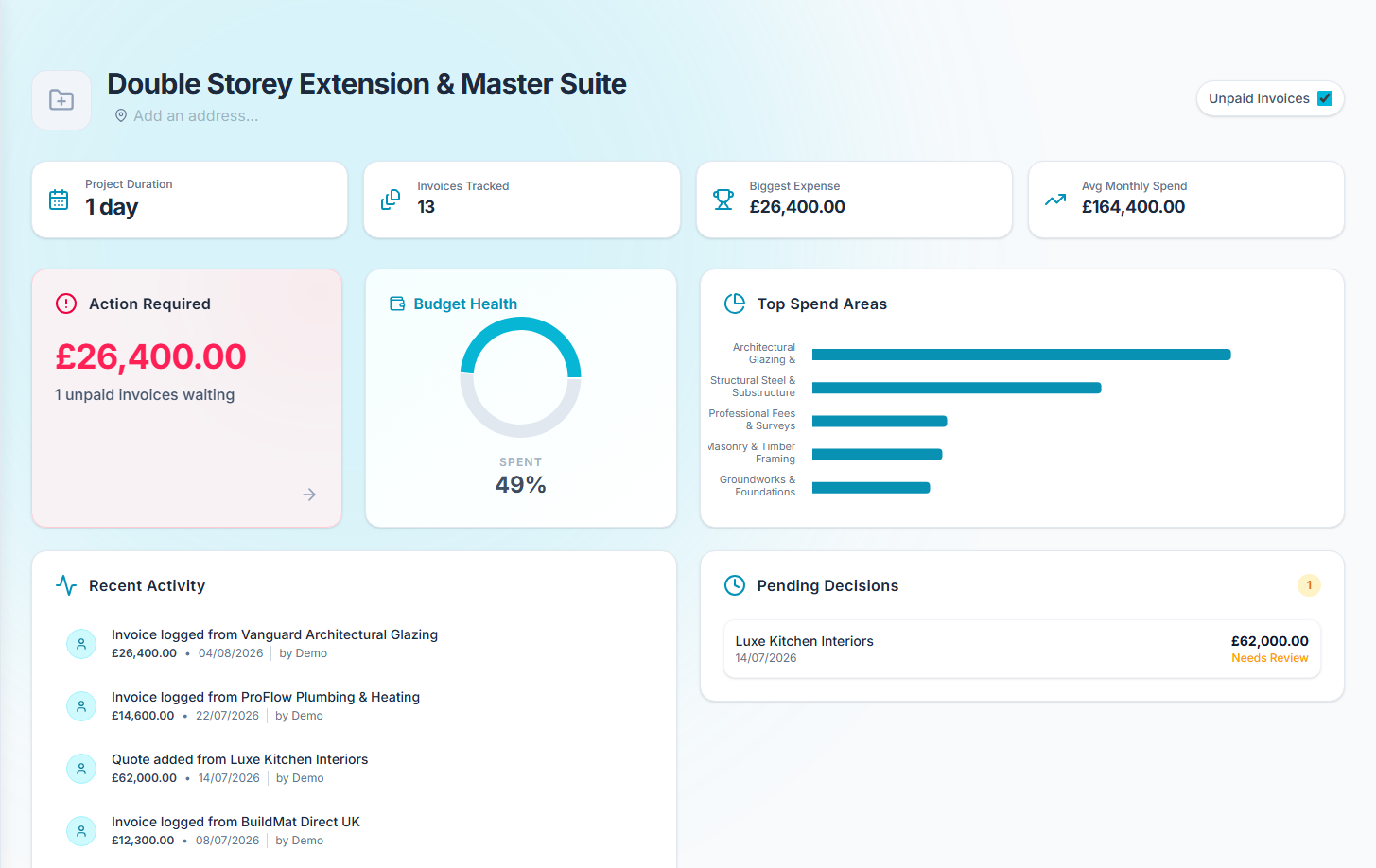
Getting Started
Creating Your First Project
When you first log in, you'll be prompted to create your first project. A project represents a single renovation, house build, or tracking initiative. Give it a descriptive name (e.g., "Kitchen Extension") and set your target start date.
Setting Up Your Initial Budget
Once your project is created, head over to the Budget tab. Here you can define your overall target budget and break it down into specific categories (e.g., Foundations, Plumbing, Electrics).
Tip: If you aren't sure where to start, you can use the Apply Template button. This allows you to select a common project type (like an Extension or Bathroom Remodel), enter a total budget, and automatically calculate category allocations based on industry averages. You can adjust the percentages directly in the modal before applying.
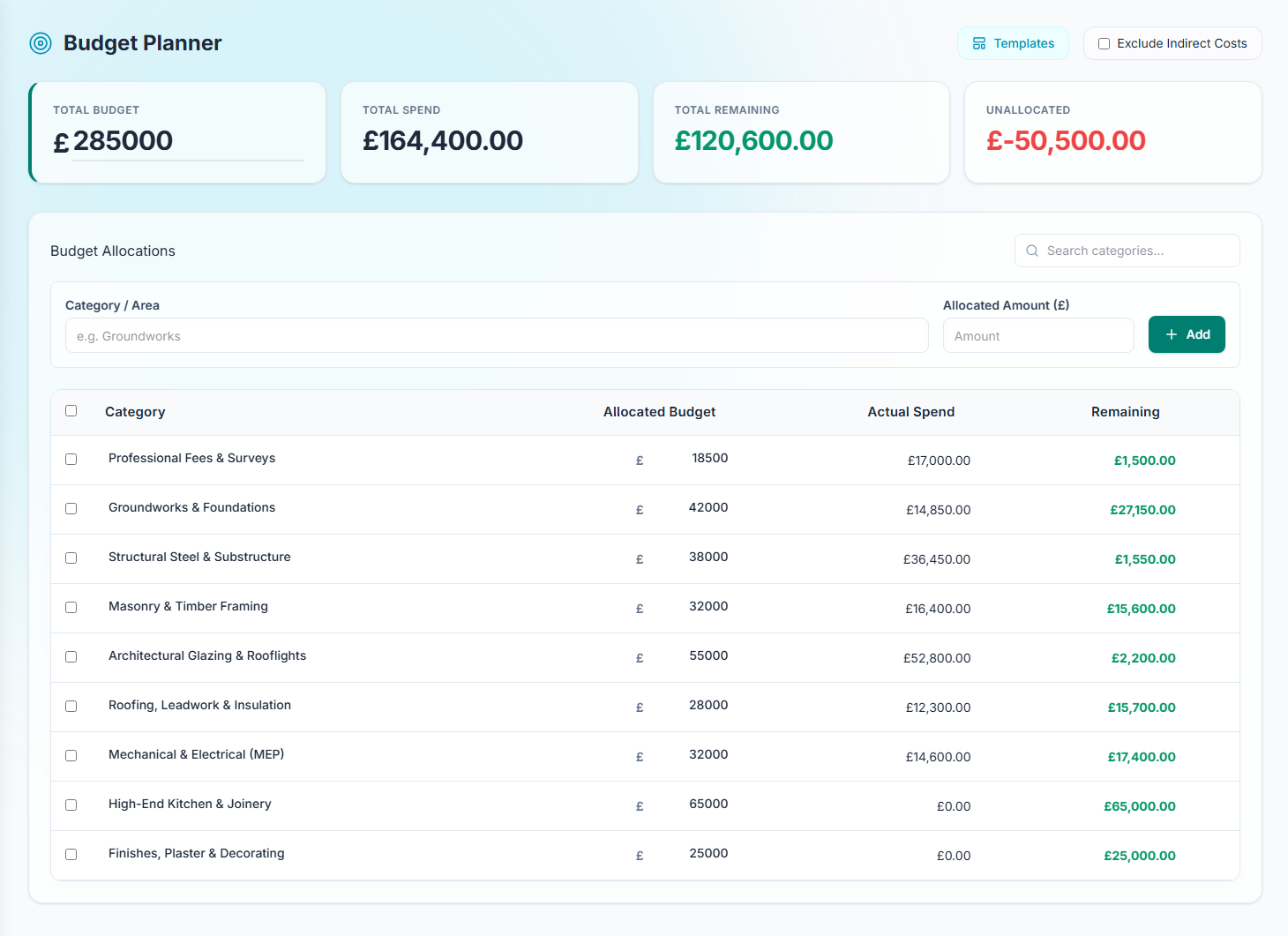
As you scan invoices and add expenses, CostTrack will automatically compare your actual spend against these allocated category budgets in real-time.
Understanding the Dashboard
The Dashboard is your command centre. It provides a high-level overview of your project's financial health, showing your total budget, actual spend, and remaining funds.