
Back to Support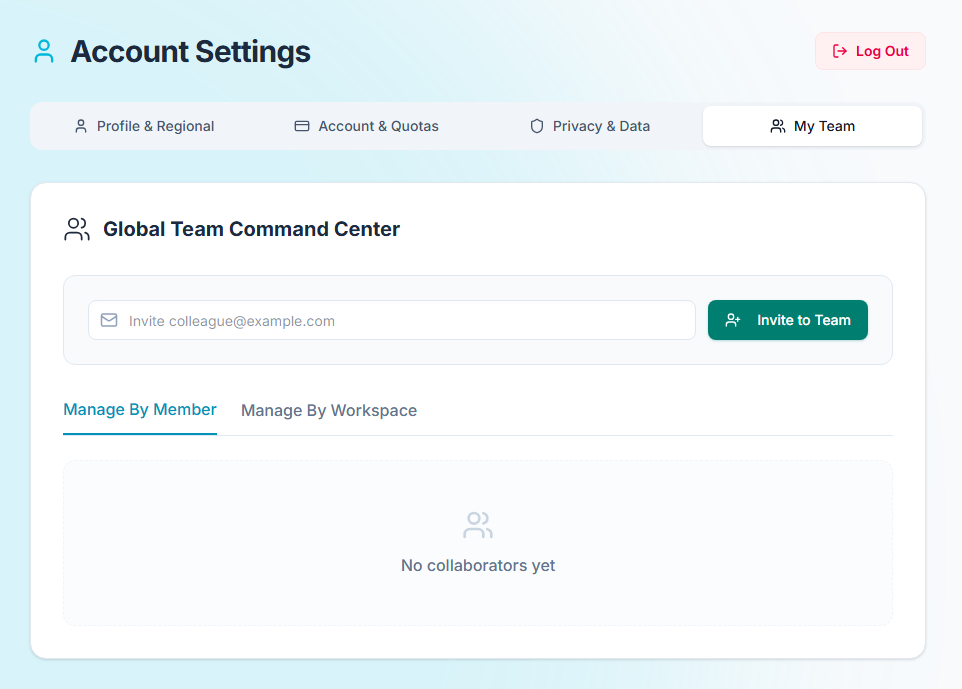
Workspaces & Teams
Understanding Workspaces
A Workspace is the top-level container for your account. It holds your projects, custom categories, suppliers, and team members. You can create multiple workspaces if you are managing distinct portfolios (e.g., "Personal Home" vs "Property Development Business").
Inviting Collaborators
CostTrack is built for collaboration. You can invite your partner, builder, architect, or accountant to your workspace. Navigate to Settings in the main menu to generate an invite link.
Role-Based Access
When inviting a team member, you can assign them one of the following roles:
- Admin: Can manage billing, projects, and invite other users.
- Editor: Can add, edit, and delete expenses, quotes, and suppliers. Perfect for your builder.
- Viewer (Read-Only): Can view the dashboard, ledger, and analytics, but cannot make any changes. Ideal for accountants or investors.